You just bought an indoor bike trainer and you want to immerse yourself in virtual landscapes? MyWhoosh is the ideal solution !
Find out how to install this app on your device to fully enjoy the indoor cycling experience.
MyWhoosh: a virtual world within reach of pedals
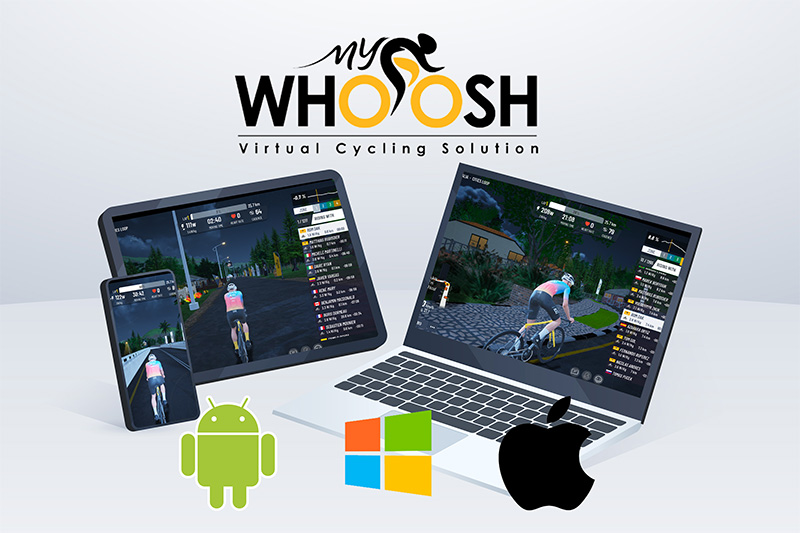
MyWhoosh is a free virtual cycling platform that allows you to pedal in a variety of landscapes and participate in online competitions. To enjoy this immersive experience, simply install the app on your device. Here is a step-by-step guide for the main platforms.
Install MyWhoosh on your computer
Install MyWhoosh on Windows PC
- Download: See you on myWhoosh's official website and click the download button for your Windows operating system. Find the application here.
- Installation: Run the downloaded file and follow the on-screen instructions. The installation is usually fast and does not require any particular technical knowledge.
Install MyWhoosh on Mac
- Download: See you on myWhoosh's official website and click on the download button for your MacOS operating system. Find the application here.
- Installation: Run the downloaded file and follow the on-screen instructions. The installation is usually fast and does not require any particular technical knowledge.
Install MyWhoosh on smartphone and tablet
Install MyWhoosh on Android
- Download: See you on myWhoosh's official website and click on the download button for your MacOS operating system. Or find it directly application here on the PlayStore and install there.
Install MyWhoosh on iOS, iPad and iPhone
Download: See you on myWhoosh's official website and click on the download button for your MacOS operating system. Or find it directly application here on the PlayStore and install there.
Configuring MyWhoosh
Once the application is installed, you will need to configure it to work with your indoor bike trainer and sensors (cardiofrequency meter, power meter, etc.). The configuration steps may vary slightly depending on the material used. See the manual of your indoor bike trainer and sensors for more information.
Additional advice
- Stable Internet connection: Make sure you have a stable Internet connection for a smooth experience.
- Update: Regularly check the app's updates to benefit from the latest features and improvements.
- Compatibility: Before downloading the app, make sure your device meets the minimum requirements of MyWhoosh.
In conclusion
Installing MyWhoosh is a simple and fast process. In just a few clicks, you can immerse yourself in virtual worlds and train like a professional. Do not hesitate to consult the official MyWhoosh documentation for help if necessary.