Why connect Zwift to Garmin Connect?
Many cyclists have their entire history in Garmin Connect, powered by their watch or Edge meter. Bringing up your Zwift exits allows you to keep a unified vision from your workout, inside and outside, and feed your annual statistics.
Integration exists and works automatically — with an important subtlety to know that we explain below.
Connecting both accounts
- Open zwift.com/settings/connections in a browser (or the connection settings in the Zwift Companion app).
- Find out Garmin Connect in the list of services and click Connect.
- You are redirected to the Garmin authorization page: enter your IDs and give access to Zwift.
- Once validated, Garmin Connect appears as connected. Synchronization is active.
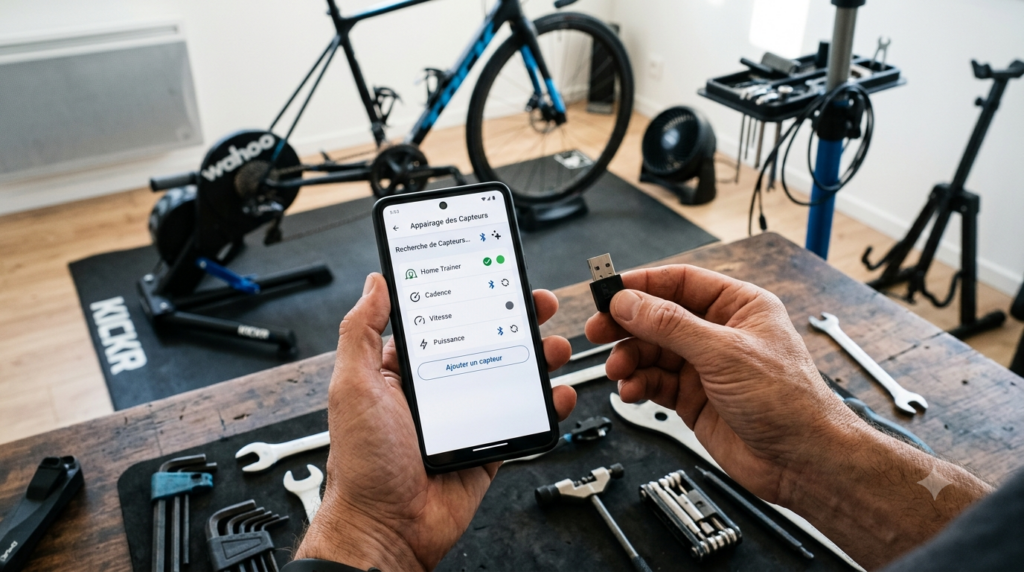
Note that Garmin is not a "sensor" to pair during the session: it is a service that you connect once, and then receive your files automatically.
The subtlety of Garmin charge tracking
Here is what many do not know: Zwift sends your outputs to Garmin Connect, but Garmin's leading indicators (Training Status, training load, VO2 max ...) do not always update from an imported activity. In order for Garmin to calculate these metrics, it is usually necessary for a garmin compatible device download the activity, perform its calculations, then return them — which means synchronizing your watch after the session. If these indicators matter to you, keep that point in mind.
The manual backup solution
If automatic synchro is missing, your Zwift outputs are saved as files FIT standard on your computer (under Windows: Documents/Zwift/Activities). You can manually import them into Garmin Connect via Import data > Import an activity.
Express FAQ
Should I wear my watch during the Zwift ride? No for importing the file, but yes if you want the watch to calculate some metrics.
Can I make everything go back to Strava via Garmin? No: Garmin does not transfer data from a third party service to another third party service. Instead, link Zwift directly to Strava.