Bluetooth or ANT+: first identify your connection
Zwift communicates with your sensors (indoor bike trainer, power meter, cardio belt) in Bluetooth or in ANT+. On the docking screen, an icon indicates the type of connection used. On smartphone, tablet and Apple TV, it's Bluetooth; on PC/Mac, you can have both. Diagnosis differs according to protocol.
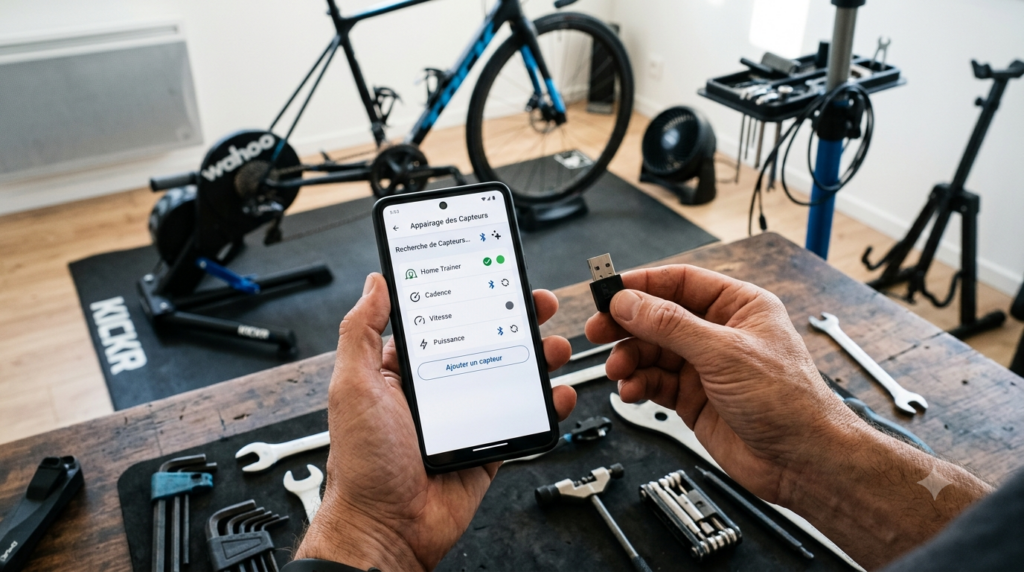
Bluetooth cuts: cause number one
Bluetooth is a link one by one : your indoor bike trainer can only be connected to one device at a time. Most of the cuts come from another device that "catchs" your indoor bike trainer (the Wahoo app, Tacx or the meter stayed on next door). Reflexes:
- Disable Bluetooth on all devices nearby that have already been paired with the indoor bike trainer (telephone, tablet, other computer).
- Close them completely. manufacturer applications (Wahoo, Tacx...) that could monopolize the connection.
- Disconnect and then reconnect your indoor bike trainer: first open the Zwift docking screen, run the search, and then reconnect the indoor bike trainer.
ANT+ cuts: signal and interference
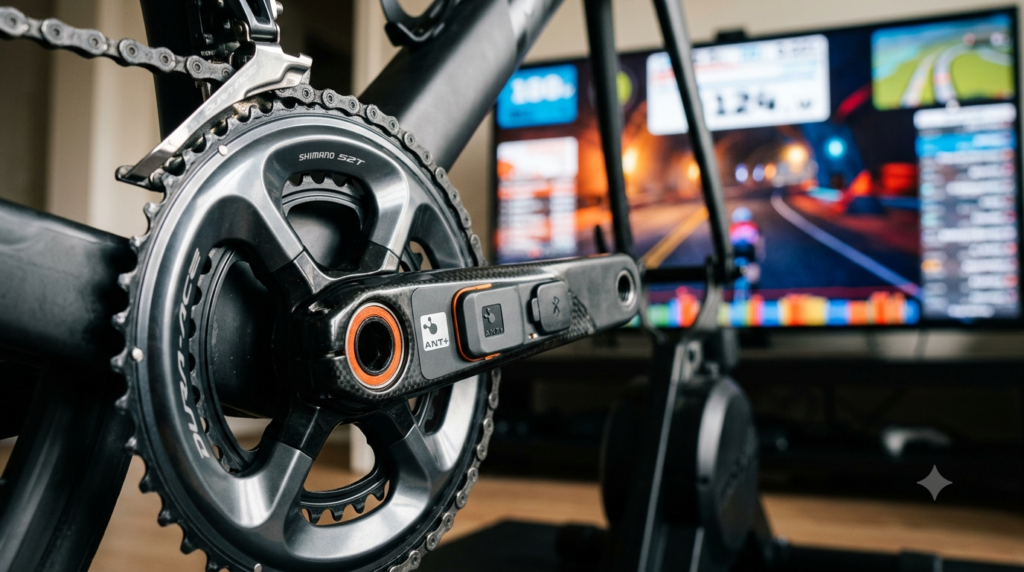
On PC/Mac in ANT+, cuts often come from a signal too low. If your ANT+ key is far from the pedal, use a uSB extension to bring the key closer to the sensor. Also remove interference sources (Wi-Fi, microwave, Bluetooth speakers and headphones, wireless mouse). For some indoor bike trainer, consider pairing the profile containing the mention "FE-C"more stable.
Audits that resolve 80% of cases
- Update firmware your indoor bike trainer via its manufacturer application: an obsolete firmware is a classic cause of cuts.
- Update Zwift and restart the application.
- Check the batteries your sensors (cardio, cadence): a low battery causes intermittent stalls.
- Match your indoor bike trainer with Controlled Trainer, and do not leave it controlled by two devices at the same time (Garmin + Zwift then enter into conflict).
- If resistance does not change, check that the resistance cursor (Menu > Settings) is not on OFF.
Still locked?
Remove the device from the applicator screen (cross / Remove), restart the search, and if necessary also remove it from the Bluetooth settings of your device before reapplying again.
Express FAQ
Why does my indoor bike trainer display " —" in power? Often a break after a phase without pedalling (descent); restart the pedalling or reapply.
Should we prefer ANT+ or Bluetooth? The ANT+ manages several simultaneous connections and remains appreciated on PC; Bluetooth is simpler on mobile.