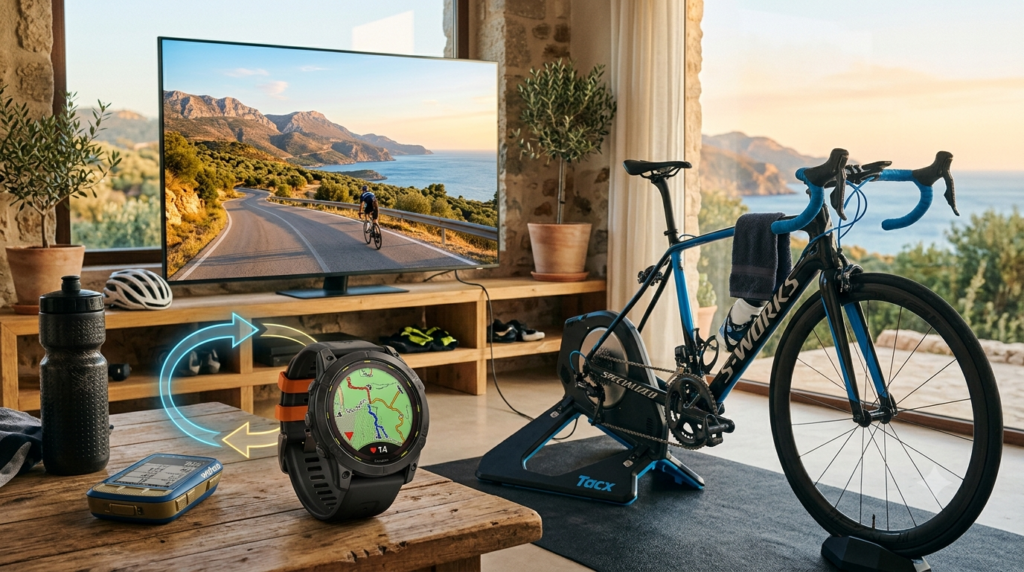
Rouvy, on what devices?
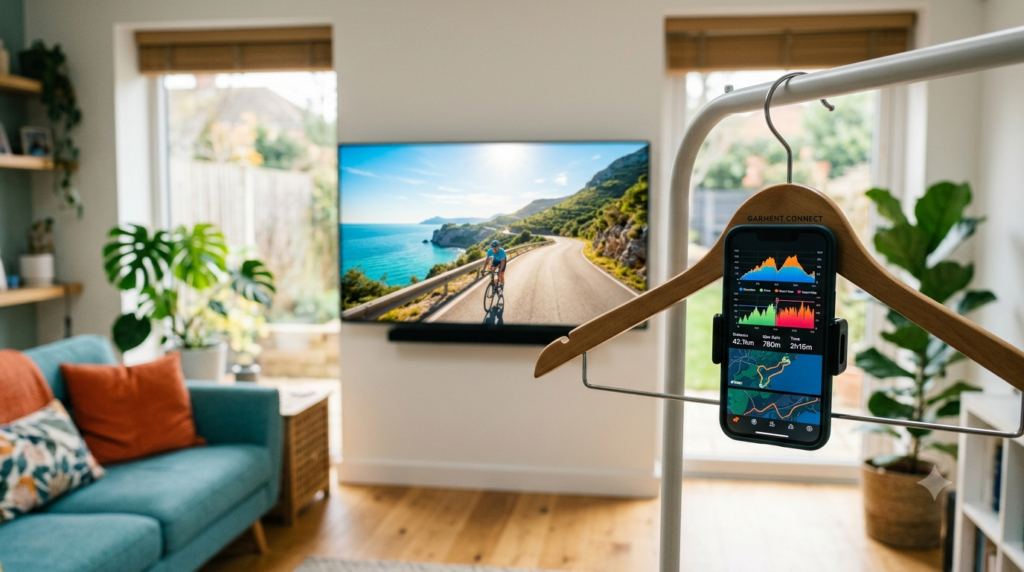
Rouvy installs on a wide range of devices: PC (Windows 10 version 21H1 / built 19043 or later), Mac, iPhone/ iPad (iOS 16 or later), android smartphone and tablet (Android 11 or later), and some TV. For a tablet, aim at a minimum 3 GB of RAM and Bluetooth 4.0 (5.0 preferably) for fluid video playback and stable connection — the specificity of Rouvy being the display of real videos the journeys.
Create your account and start the trial
- See you on rouvy.com, enter your e-mail and click Get Started.
- Confirm your address via the email received, then create your password.
- To launch thefree 7-day trial (full access), choose a formula and add a means of payment.
- Inform your profile and, if you know it, your FTP to calibrate your areas.
Download application
- On PC or Macdownload the Rouvy app from the official website.
- On iOS or Android, install « Rouvy » from the corresponding shop.
- Log in with your account.
Connect your hardware and ride
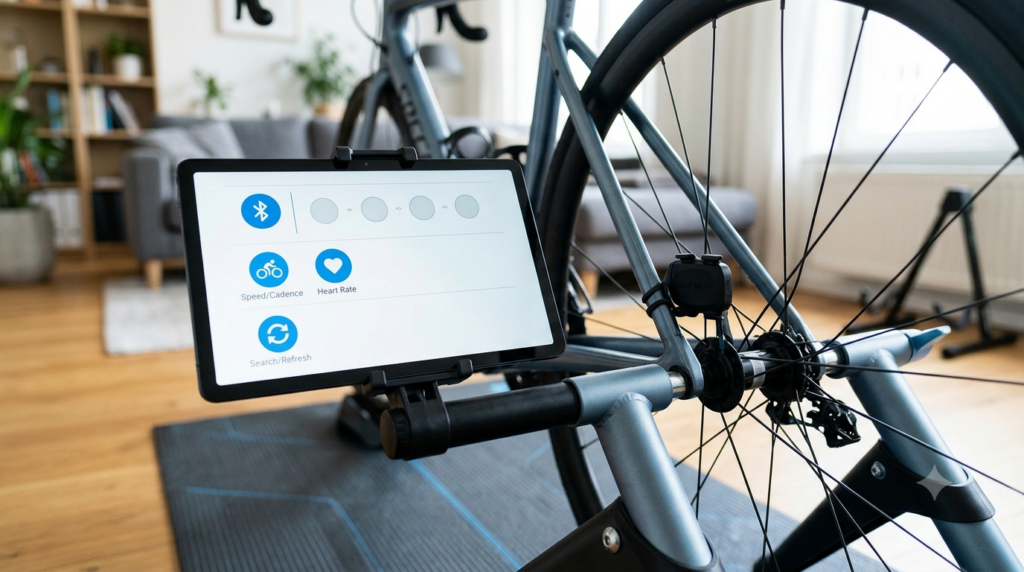
In the application, open the Menu then Sensors. Make sure the Bluetooth or ANT+ is active, then on the indoor bike trainer tile click on ADD TRAINER. To take advantage of the automatic resistance according to the course, connect your indoor bike trainer in Checkable (recommended live). Then choose a filmed course, and launch your first immersive release.
Express FAQ
Is Rouvy free? Not off trial of 7 days: from €19.99/month (Solo formula) at the time we write.
What's the difference with Zwift? Rouvy bets on real video routes with augmented reality, where Zwift offers animated 3D worlds.
Do you need a good connection? Yes, streaming of journey videos requires a correct flow rate.