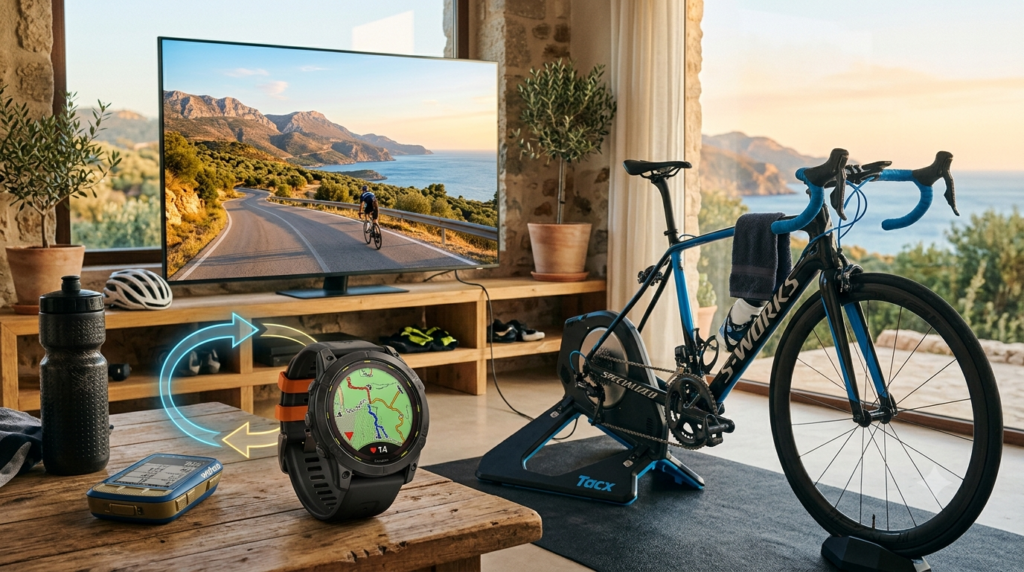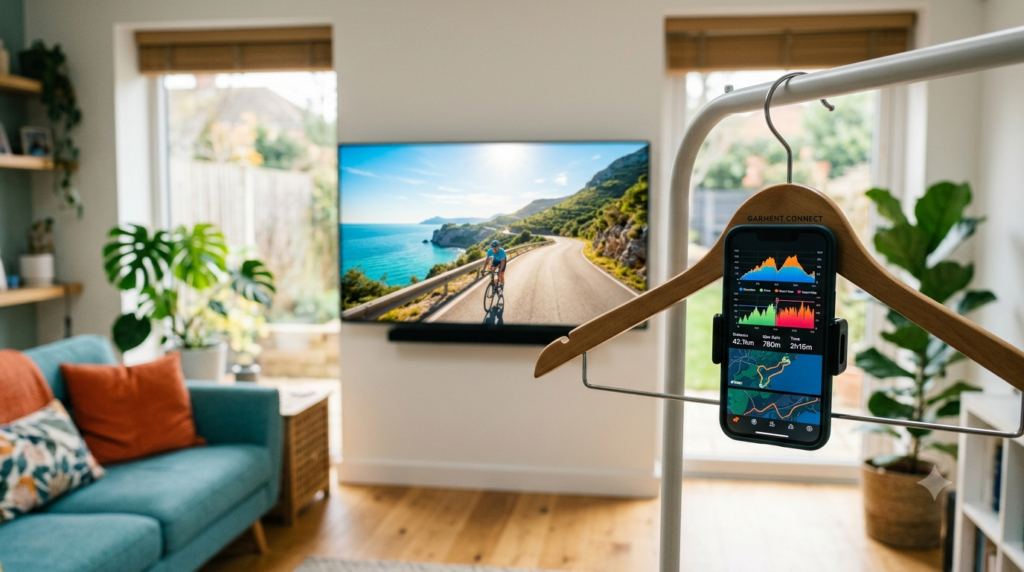
Why a power meter on Rouvy?
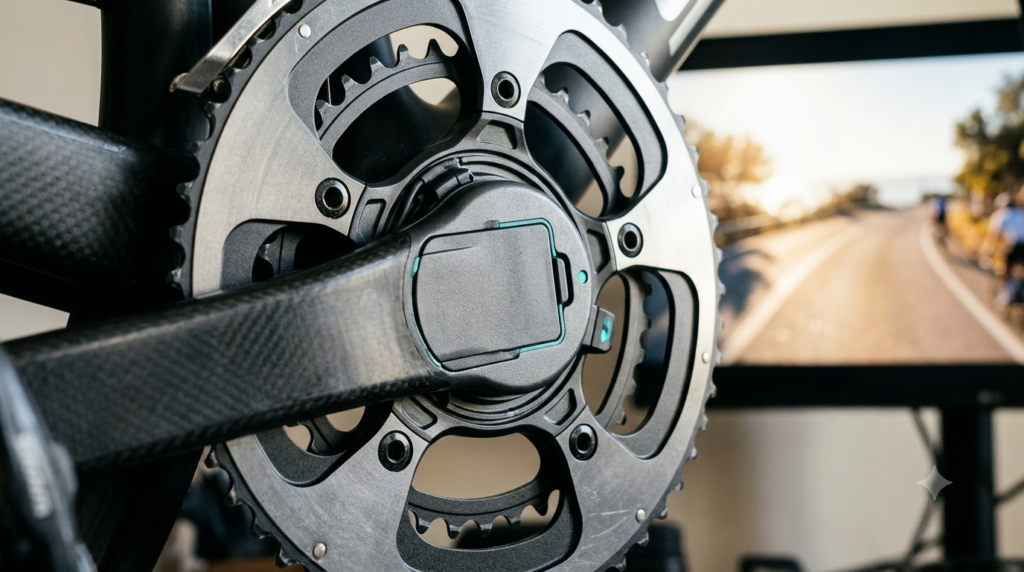
One power meter (pedals, cranks, axis or hub) directly measures your watts, with precision and repeatability greater than the estimate of a classic indoor bike trainer. It also follows you outside, and ensures consistent data from one session to another — essential to track your progress and properly calibrate your FTP and areas.
Appear your sensor in Rouvy
Appearance has been done since the application, in Menu > Sensors.
- Make sure you have some fresh batteries in the sensor, and that the Bluetooth or ANT+ is active (at least one active icon, dot green).
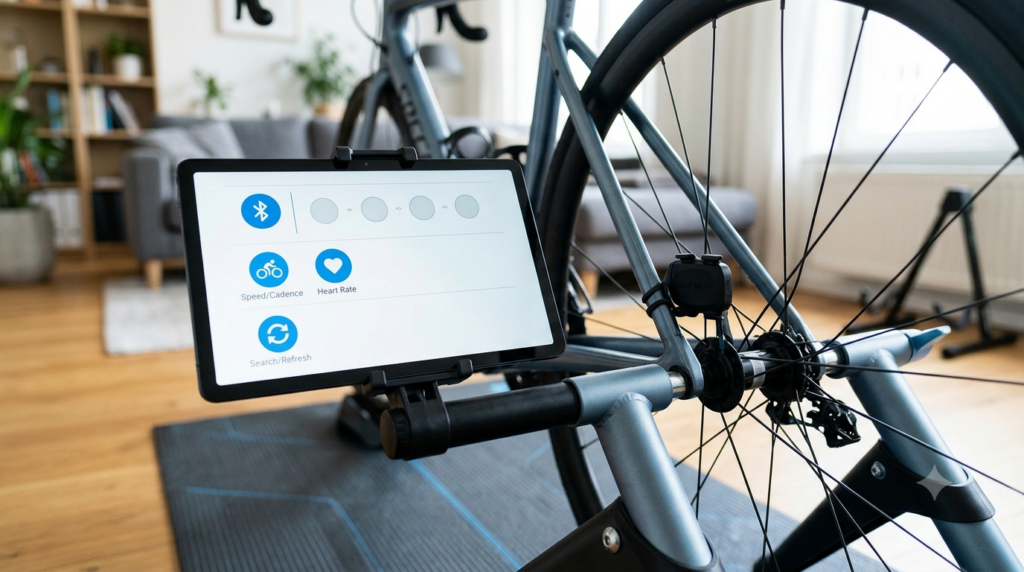
- On the tile Smart trainer / Bike / Power meter, click ADD TRAINER (or Add) and run the search. Pedal a few turns if the sensor doesn't show up.
- Choose it type of connection depending on your need:
- Checkable : if you want the resistance to automatically adjust to the course (recommended for a connected indoor bike trainer).
- Cadence : to display your cadence during the output.
- Power : for the sensor to provide the power measurement.
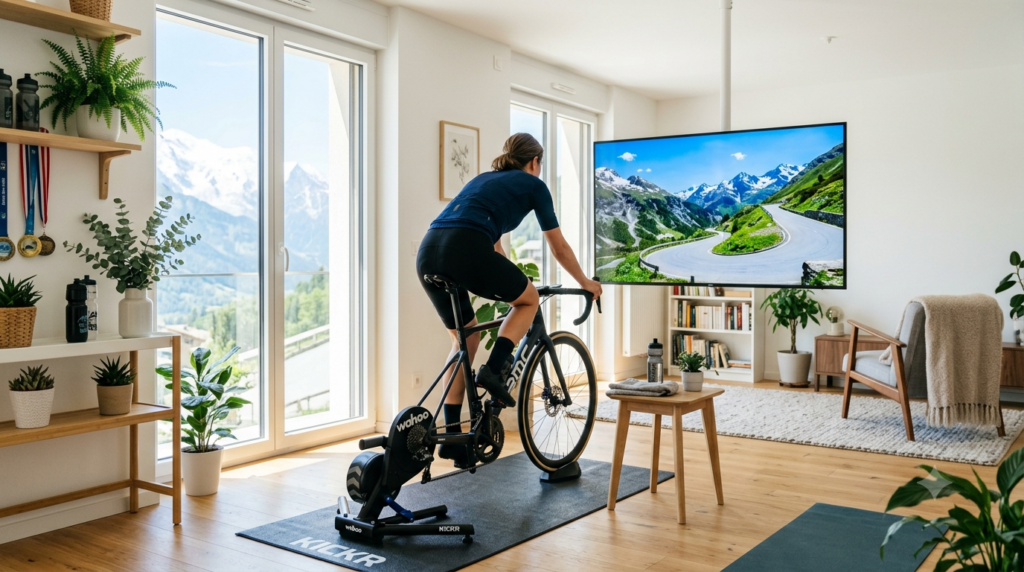
If you have both an on-board power meter and an indoor bike trainer connected, you can use the sensor as a power source while keeping the indoor bike trainer in Controllable for resistance.
Tips for reliable watts
- Follow the instructions of calibration your sensor (usually a zero-offset preferably at the temperature at which you drive.
- Check it chain line and a regular brace: on the forces in controlled resistance, a clean pedalling gives a more stable measurement.
- Keep it firmware the current sensor.
In case of concern
If the power picks up or doesn't appear, close third-party applications that could capture the sensor in Bluetooth, bring your device closer, check the batteries, and if necessary remove and reapply the sensor in the Sensors menu. On PC with ANT+, a USB extension extending the key to the pedal reduces the cuts.
Express FAQ
power meter or indoor bike trainer connected: which premium? You can use the sensor as a power source and the indoor bike trainer for resistance.
Is the cadence sensor necessary? No: it completes the display, but it is the power that counts for your data.