A synchronization in both directions
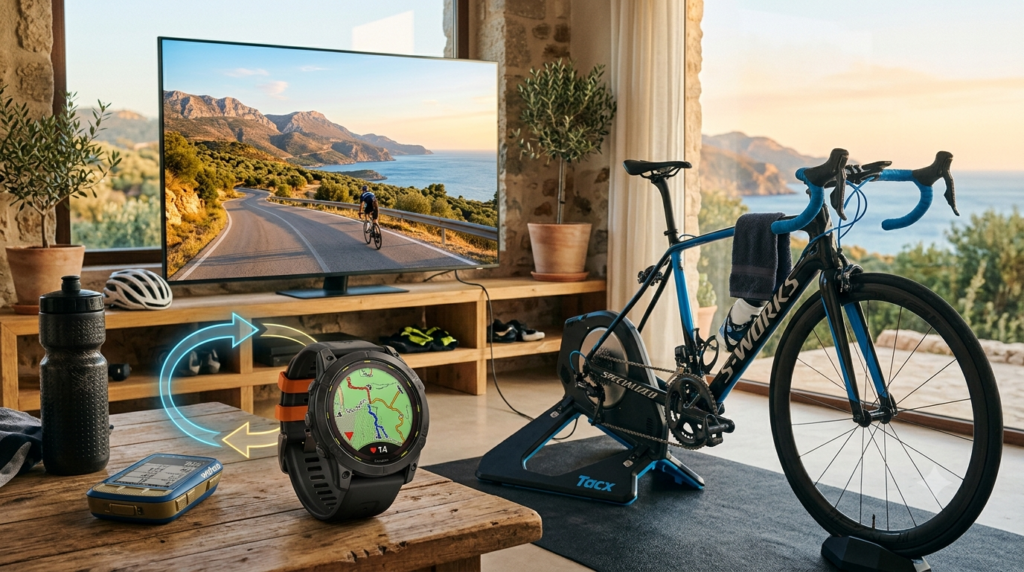
Rouvy–Garmin Connect integration has an asset: it works in both directions. Your indoor Rouvy sessions go back to Garmin Connect to enrich your follow-up, and your external outputs recorded on your Garmin can be imported into Rouvy to advance your career Rouvy (the famous experience points and levels). Ideal to have a complete annual vision of your workout.
Connecting the two accounts
- Go on riders.rouvy.com and log in.
- Click on your profile icon at the top right, then Connected Apps and Devices.
- In Available appsfind Garmin Connect and click on Connect.
- You are redirected to the Garmin authorization page: enter your IDs and give Rouvy access to your profile and data.
- Garmin Connect then appears in your connected apps. Synchronization is active.
How it works every day
After each Rouvy session, your indoor activity is sent to Garmin Connect, where you will find the detailed analysis (TSS, intensity factor, key indicators). Conversely, by clicking on an external output in your training schedule Rouvy, you directly access the corresponding activity in Garmin Connect.
As with any integration, make sure that your time zone is properly set in Connected Apps to avoid offsets.
Attention to the passage through Strava
A common trap: don't count on the Rouvy chain → Garmin → Strava. Garmin does not retransmit data from a third party service to another third party service. If you want your Rouvy exits on Strava, connect Rouvy directly to Strava (see our dedicated tutorial), in addition to the Garmin connection.
Express FAQ
Do my outings matter to my Rouvy progression? Yes, once imported from Garmin Connect.
Do you need a precise Garmin device? Integration works with your Garmin Connect account; details depend on your hardware.