Rouvy compatibility levels
Rouvy ranks indoor bike trainer in several categories, and it's useful to know before you buy:
- Fully supported : indoor bike trainer connected, bicycles connected and slope simulators. This is the optimal experience : Rouvy adjusts automatically resistance according to the profile of the filmed journey. Some models even manage the virtual shifting (virtual speed change).
- Semi-supported : basic compatibility. They provide power and resistance control, but without all the advanced functions; they require riding a bike on it, and some do not drive resistance.
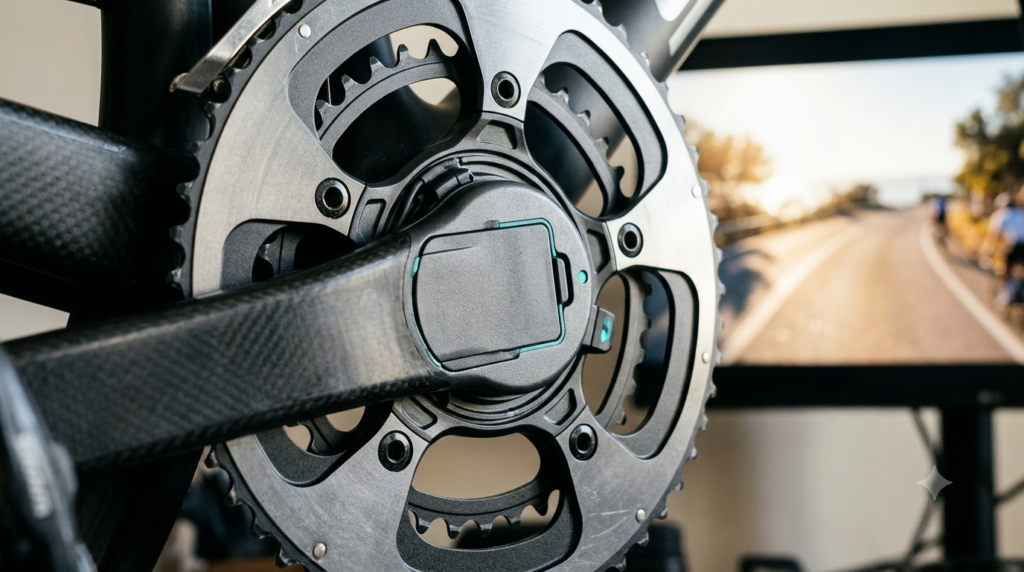
- Classic and turbo : usable, but you need a power meter or a speed sensor to connect them — a cadence sensor alone is not enough.
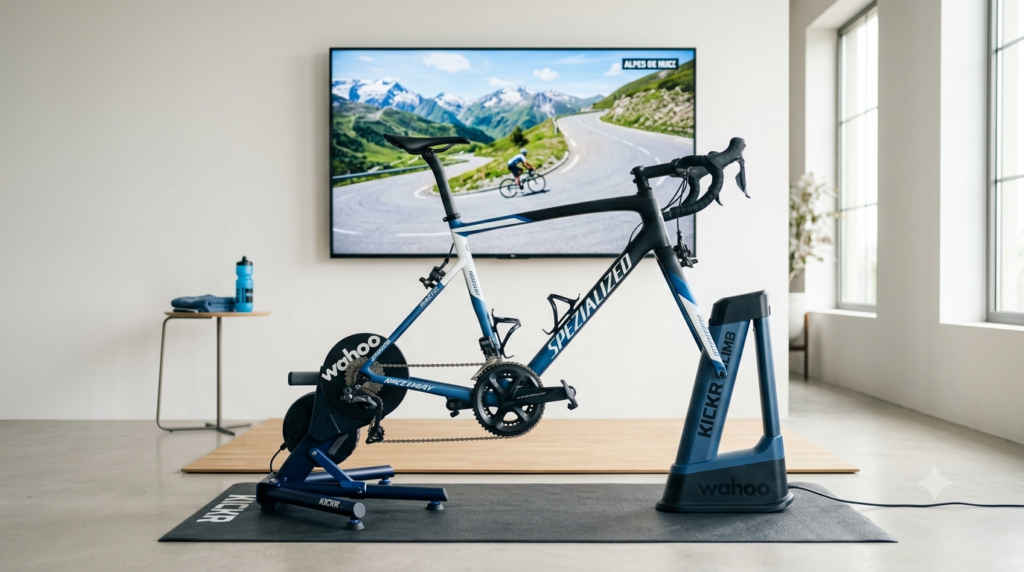
Sloping simulators: Rouvy specificity
Coupled with a connected indoor bike trainer, the slope simulators (grade simulators) lift and lower the front of your bike to reproduce climbs and descents. On the filmed routes of Rouvy (an alpine pass, a road from Mallorca...), the feeling of ascent is bluffing and really works your climbing muscles.
Connect your indoor bike trainer
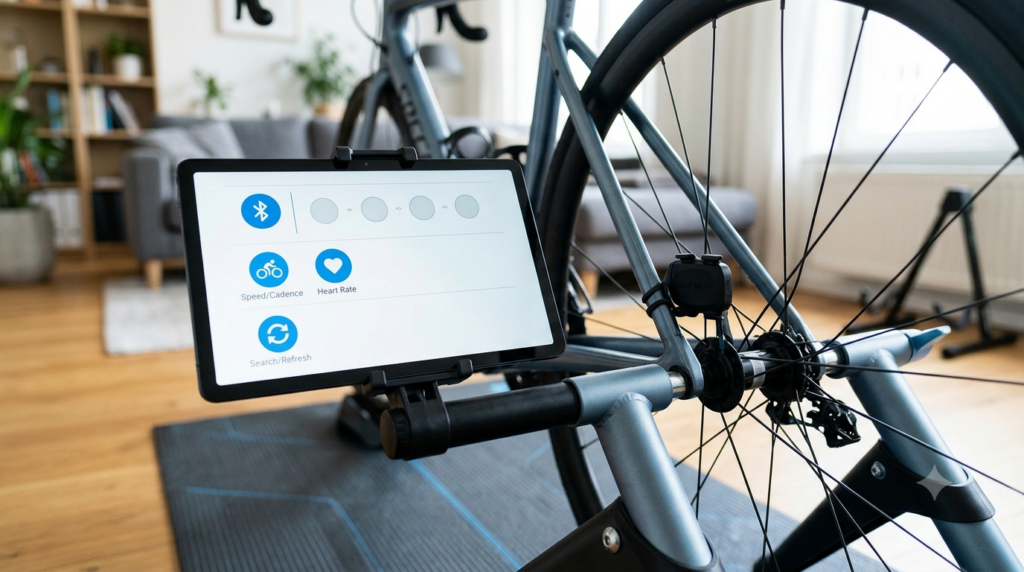
In the app, open Menu > Sensors, check that Bluetooth or ANT+ is active, then click ADD TRAINER. Connect it in Checkable for automatic resistance. Even if your model is not in the official list, you can try the connection, without a guarantee of perfect operation.
Compatibility with the Zwift ecosystem
Good news for those who hesitate between platforms: Rouvy supports Zwift hardware, including the Zwift Click (V1 and V2) and Zwift Ride, as well as the indoor bike trainer "Zwift Ready". So your equipment is not locked on a single application.
Express FAQ
Can I use Rouvy without indoor bike trainer connected? Yes, with a classic + power or speed sensor.
Is virtual shifting essential? No, but it makes the experience on compatible models more realistic.